
Reviewed 29 October 2026
Punch to Escape Guards: Cell Search Warning Guide
What the red cell-search warning means, how to respond to the countdown and what to check before returning to work.
Quick answer
Return to your cell as soon as the red cell-search warning appears. The visible countdown is your immediate priority. Watch the search status and wait for the checking phase to finish before resuming.
Respond to a cell search
Follow the live warning and status.
Recognize the cell-search warning
Stop working when the red warning appears.
- Success check
- You have identified the current countdown.
- If it remains unclear
- Read the top-screen warning again.
Read the supporting evidence
§Recognize the cell-search warning#
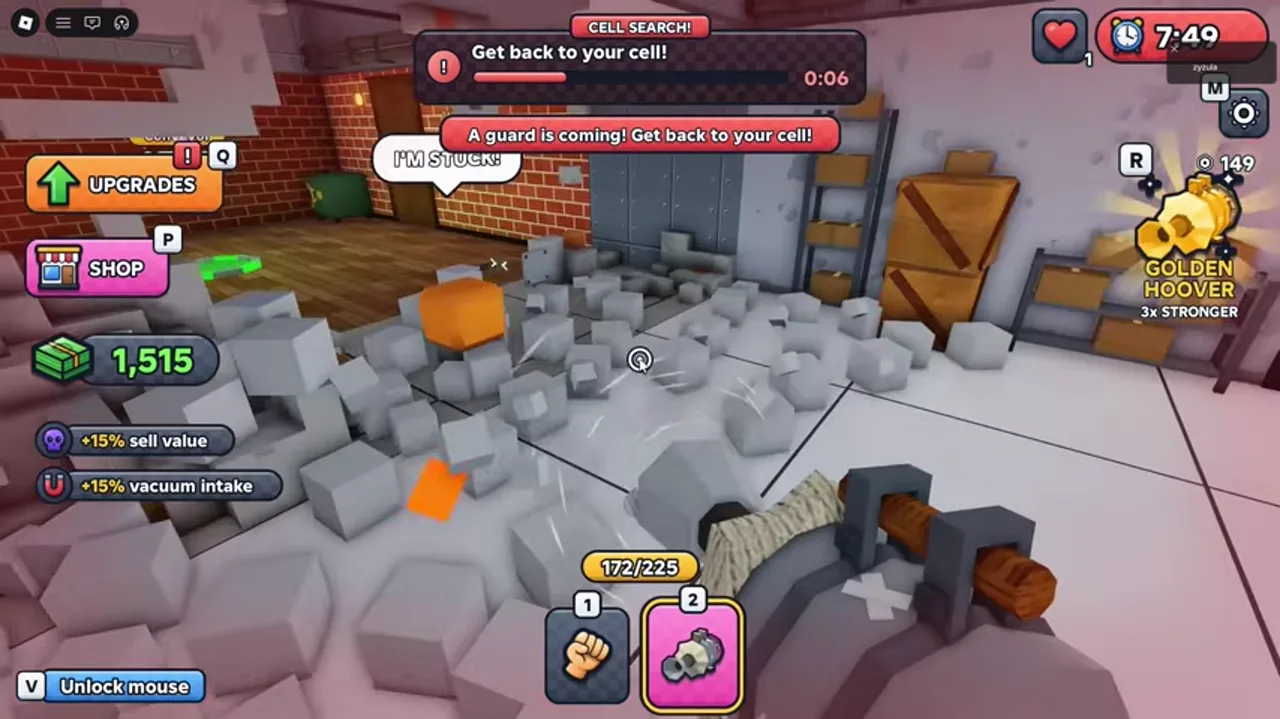
The recording shows a red CELL SEARCH banner, “Get back to your cell!” and a countdown. A second banner says a guard is coming. This is the cue to stop punching or vacuuming and return.
The timer values differ between the reviewed frames. Treat the current on-screen countdown as authoritative; this guide does not promise a fixed search interval or a fixed amount of warning time.
Return without adding another task
Return to your cell immediately.
- Success check
- You are back in your cell before the countdown ends.
- If it remains unclear
- Take the shortest known route and keep watching the warning.
Read the supporting evidence
§Return without adding another task#
Head back along the route to your cell immediately. Avoid extending a trip to finish one more patch of wall, fill the bag or buy an upgrade. Keeping a recognizable return route is useful as additional rooms open.
This is a precautionary route recommendation. The footage supports the return instruction, but it does not establish a guaranteed safe hiding position outside your cell.
More details and limitations
2 sections§Read the checking phase#
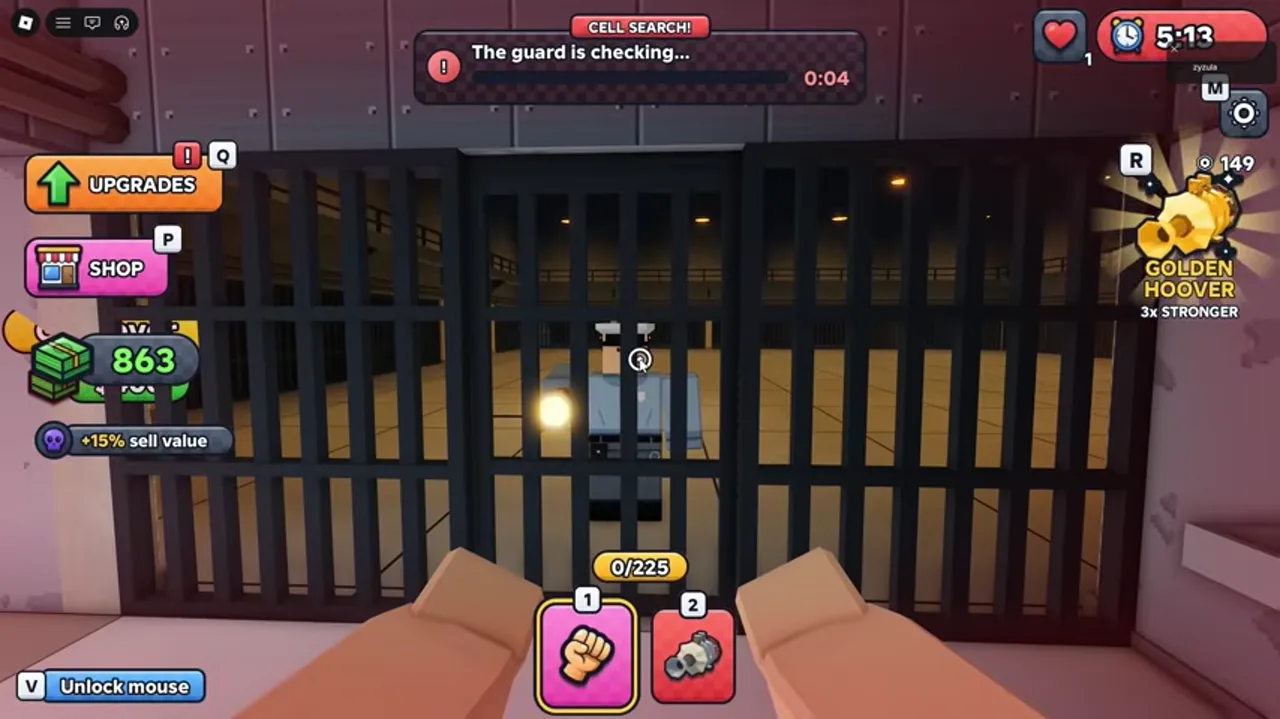
Another reviewed frame displays “Guard is checking”. Stay attentive to the live status before continuing. Do not assume the end of the initial countdown means the whole search is over.
The exact detection rules, punishment and effect on saved progress have not been established from this recording. We do not claim that you lose all money, a fixed life amount or a specific number of upgrades.
§Make your next work cycle safer#
After the warning clears, resume the punch, collect and sell loop. Before entering a new room, identify the way back to the cell. If a corridor becomes difficult to read, pause and orient yourself while there is no active warning.
Scope and sources
Guide scope
- Based on DomBlox Games’ official description and a reviewed community gameplay recording. We have not tested the game ourselves. Menu values and controls may change with updates.